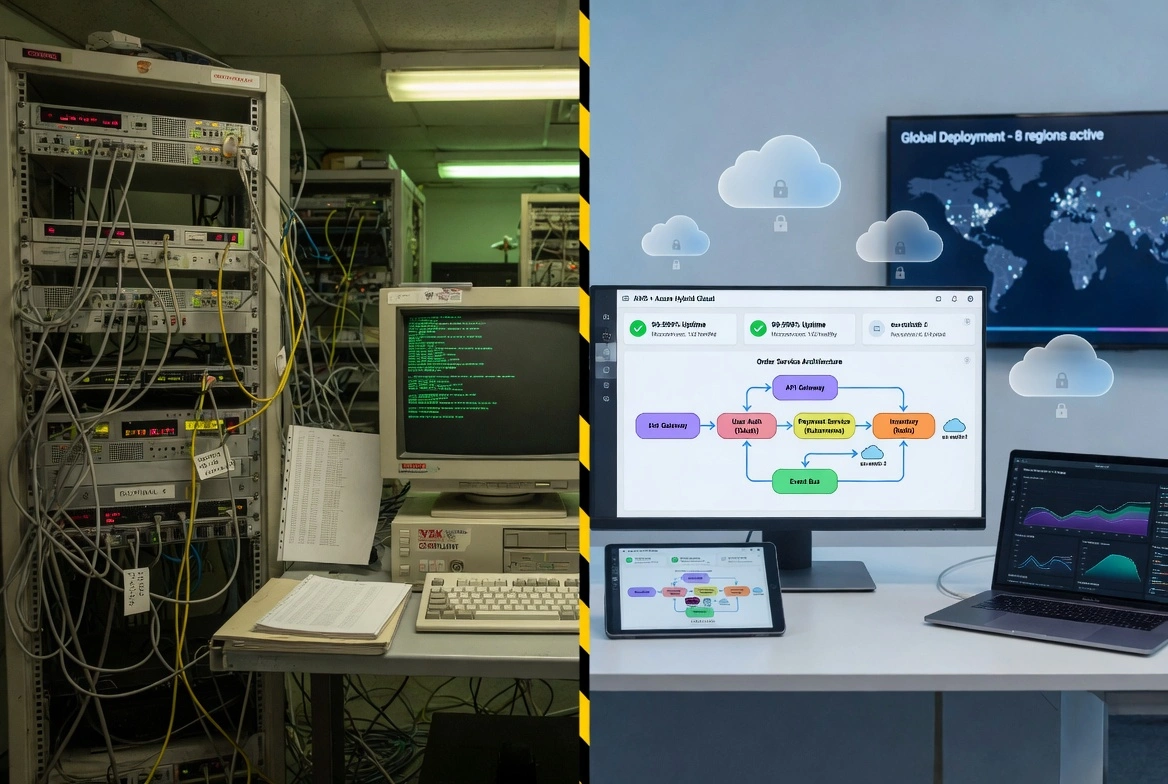
Your legacy systems work. That's the problem. They work well enough that replacing them feels risky, but poorly enough that they're holding your business back. This guide shows you how to modernize without disrupting operations — and how to build a business case that gets executive buy-in.
Every enterprise has them: critical systems built decades ago that still run core business processes. They're stable. They're understood (by the few people who remember how they work). And they're becoming increasingly expensive to maintain, integrate, and secure.
The question isn't whether to modernize — it's how to modernize in a way that manages risk while delivering real business value.
- 70% of IT budgets spent on maintaining legacy systems
- $2.4T annual cost of technical debt globally
- 95% of enterprises have legacy systems over 10 years old
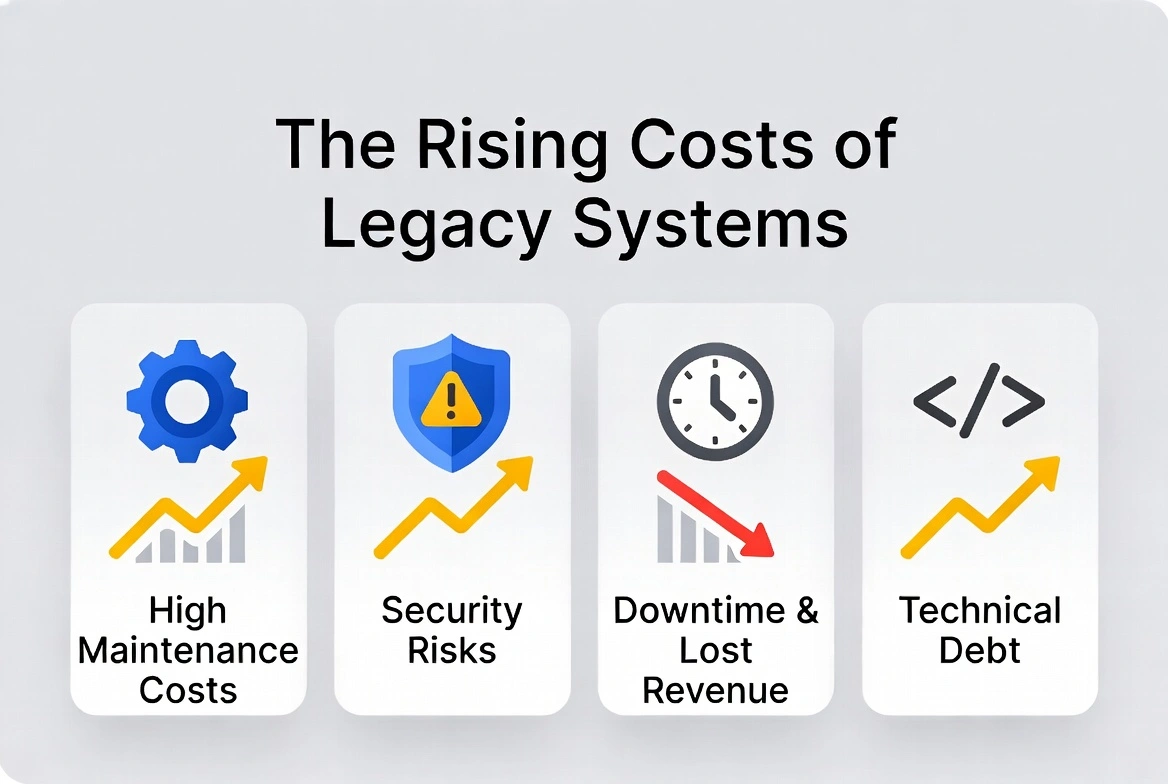
Table of Contents
- Signs Your Legacy System Needs Modernization
- Talent Risk
- Integration Barriers
- Security Vulnerabilities
- Performance Bottlenecks
- Compliance Challenges
- Rising Maintenance Costs
- Business Agility Limitations
- Vendor Dependency
- Legacy Modernization Approaches: Which Is Right for You?
- Encapsulation (Wrapping)
- Rehosting (Lift and Shift)
- Replatforming
- Refactoring
- Rebuilding (Rewriting)
- Replacing (Buy vs. Build)
- COBOL and Mainframe Modernization
- Why COBOL Modernization Is Urgent
- Modernization Strategies for COBOL Systems
- Role of AI in COBOL Modernization
- How to Build a Business Case for Modernization
- Cost Categories to Consider
- Benefits to Quantify
- Framing the ROI
- The Legacy Modernization Process: Step by Step
- Phase 1: Assessment
- Phase 2: Strategy
- Phase 3: Foundation
- Phase 4: Incremental Migration
- Phase 5: Optimization
- Common Modernization Mistakes (and How to Avoid Them)
- Big Bang Approach Risks
- Data Migration Challenges
- Lack of Business Logic Documentation
- Inadequate Testing
- Poor Change Management
- Measuring Modernization Success
- Technical Metrics
- Business Metrics
- Success Criteria Checklist
- Key Takeaways for Successful Modernization
- Partnering with an Experienced Modernization Team
- Frequently Asked Questions
Signs Your Legacy System Needs Modernization
Not every old system needs to be replaced. Some are genuinely stable and cost-effective. But certain warning signs indicate that modernization should be a priority.
Talent Risk
The developers who understand your system are retiring, and you can't find replacements with those skills.
Integration Barriers
Connecting to modern systems requires expensive custom development or manual workarounds.
Security Vulnerabilities
The platform no longer receives security updates, or modern security tools can't monitor it.
Performance Bottlenecks
The system can't handle current transaction volumes or user expectations.
Compliance Challenges
Meeting new regulatory requirements is difficult or impossible with current architecture.
Mounting Maintenance Costs
Annual maintenance costs are approaching or exceeding the cost of replacement.
Business Agility Barriers
New features that should take weeks take months because of system limitations.
Vendor Dependency
Your vendor is sunsetting support, or you're locked into expensive contracts with no alternatives.
The Hidden Costs of Waiting: Every year you delay modernization, you're paying: higher maintenance costs, opportunity costs from missed business capabilities, increased risk as institutional knowledge leaves, and growing technical debt that makes eventual migration more complex and expensive.
Legacy Modernization Approaches: Which Is Right for You?
There's no one-size-fits-all approach to legacy modernization. The right strategy depends on your system's current state, business criticality, budget, and risk tolerance.
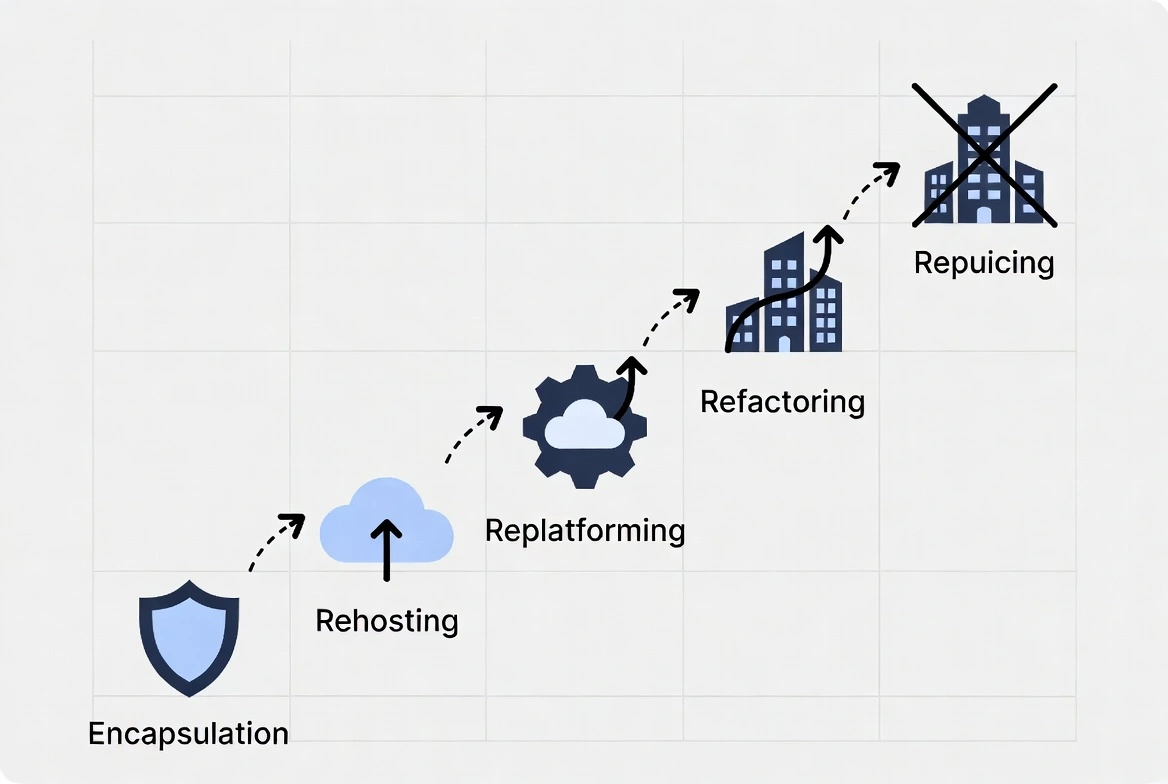
1. Encapsulation (Wrapping) — Low Risk / Low Cost
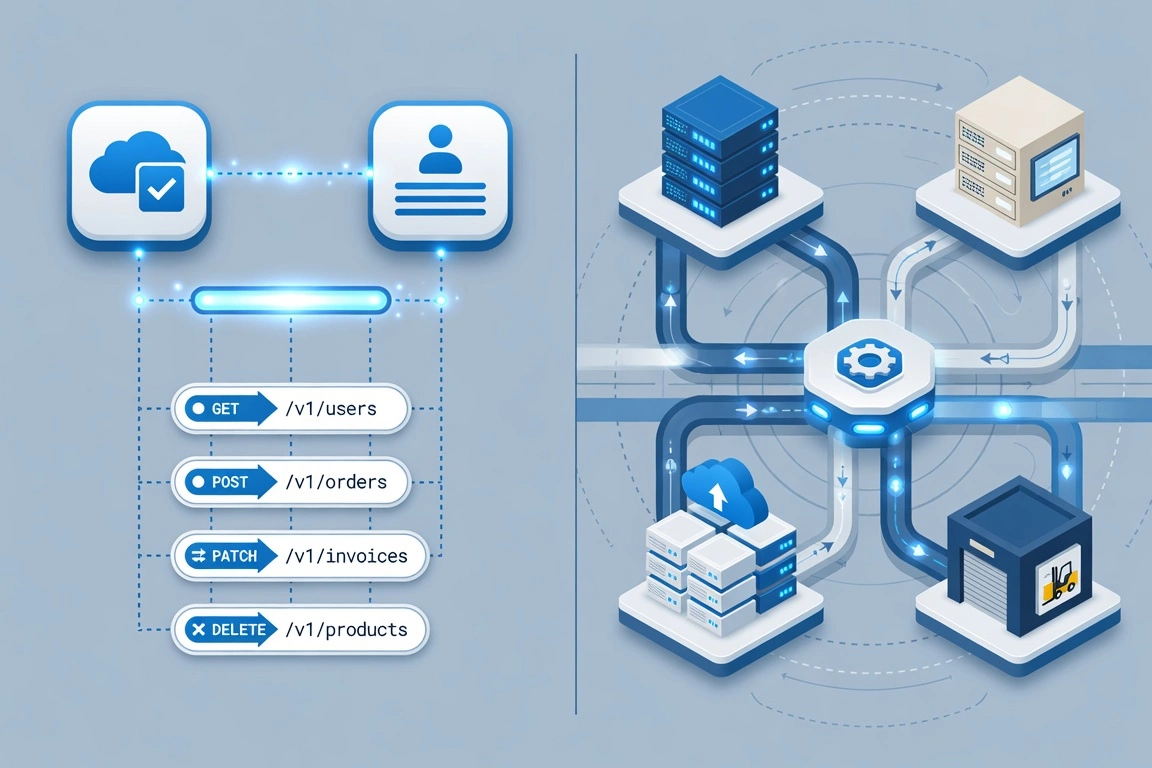
Keep the legacy system but wrap it with modern APIs, allowing new applications to interact with it without modifying the core.
Pros: Minimal disruption, quick implementation, low risk, preserves investment.
Cons: Underlying issues remain, technical debt persists, may delay inevitable, performance limits.
Best for: Systems that work well but need to integrate with modern applications. Buying time while planning larger modernization.
2. Rehosting (Lift and Shift) — Low Risk / Medium Cost
Move the existing application to new infrastructure (typically cloud) without modifying the code.
Pros: Fast migration, infrastructure benefits, no code changes, cost predictable.
Cons: Doesn't fix application issues, may not leverage cloud fully, technical debt moves with you.
Best for: Data center exits, infrastructure cost reduction, quick cloud migration for systems that will be further modernized later.
3. Replatforming — Medium Risk / Medium Cost
Make minimal changes to optimize for cloud environment without changing core architecture or functionality.
Pros: Some cloud benefits, moderate effort, controlled changes, better than lift-and-shift.
Cons: Core issues remain, partial optimization, testing required.
Best for: Systems where small changes can unlock significant value (database migration, containerization).
4. Refactoring — Medium Risk / High Cost
Restructure and optimize existing code without changing external behavior. Often involves breaking monoliths into services.
Pros: Improved architecture, better maintainability, preserves business logic, incremental approach.
Cons: Requires deep system knowledge, significant effort, risk of regression, may take years.
Best for: Valuable systems with solid business logic but poor architecture. Organizations that can invest in gradual transformation.
5. Rebuilding (Rewriting) — High Risk / Highest Cost
Completely redesign and rewrite the application from scratch using modern technologies.
Pros: Modern architecture, full optimization, clean slate, future-proof.
Cons: Highest cost, longest timeline, highest risk, knowledge loss risk.
Best for: Systems where the technology is completely obsolete, or the business requirements have changed so dramatically that the existing system no longer fits.
6. Replacing (Buy vs. Build) — Variable Risk / Variable Cost
Replace the legacy system with a commercial off-the-shelf (COTS) or SaaS solution.
Pros: Proven solutions, vendor support, faster implementation, ongoing updates.
Cons: May not fit exactly, ongoing license costs, vendor dependency, data migration challenges.
Best for: Commodity functions (HR, finance, CRM) where commercial solutions exist. Processes that don't provide competitive advantage.
COBOL and Mainframe Modernization
COBOL deserves special attention because it still processes an estimated 95% of ATM transactions and 80% of in-person transactions. If you're running COBOL, you're not alone — and you have options.
Why COBOL Modernization Is Urgent
- Talent crisis: The average COBOL programmer is over 55. Finding new talent is increasingly difficult and expensive.
- Integration challenges: Modern APIs, microservices, and cloud platforms don't naturally integrate with mainframe systems.
- Agility limitations: Making changes to COBOL systems is slow and requires specialized skills.
- Cost structures: Mainframe licensing and maintenance costs continue to rise.
COBOL Modernization Strategies
| Strategy | Approach | Risk Level | Timeline |
|---|---|---|---|
| API Enablement | Wrap COBOL programs with APIs for modern integration | Low | 3-6 months |
| Automated Translation | Use tools to convert COBOL to Java, C#, or other languages | Medium | 6-18 months |
| Incremental Rewrite | Gradually replace COBOL modules with modern code | Medium | 1-3 years |
| Full Replacement | Replace entire system with modern platform | High | 2-5 years |
AI-Assisted COBOL Modernization: New AI tools can analyze COBOL code, document business logic, and assist in translation to modern languages. While not a complete solution, they significantly accelerate the process and help preserve institutional knowledge embedded in the code.
How to Build a Business Case for Modernization
Technical teams often struggle to get modernization projects approved because they focus on technical benefits rather than business outcomes. Here's how to build a compelling business case.
Cost Categories to Include
- Current maintenance costs: Annual spending on support, licensing, specialized staff
- Hidden costs: Workarounds, manual processes, integration inefficiencies
- Risk costs: Security vulnerabilities, compliance gaps, disaster recovery limitations
- Opportunity costs: Revenue from features you can't build, customers you're losing to competitors
- Technical debt interest: The increasing cost of changes due to accumulated complexity
Benefits to Quantify
- Operational efficiency: Staff time saved, process automation, reduced errors
- Infrastructure savings: Cloud economics vs. mainframe costs
- Revenue enablement: New products, faster time to market, better customer experience
- Risk reduction: Improved security posture, compliance, business continuity
- Talent advantages: Easier hiring, improved retention, reduced key-person risk
“The true cost of legacy systems isn't what you're spending today — it's what you can't do tomorrow.”
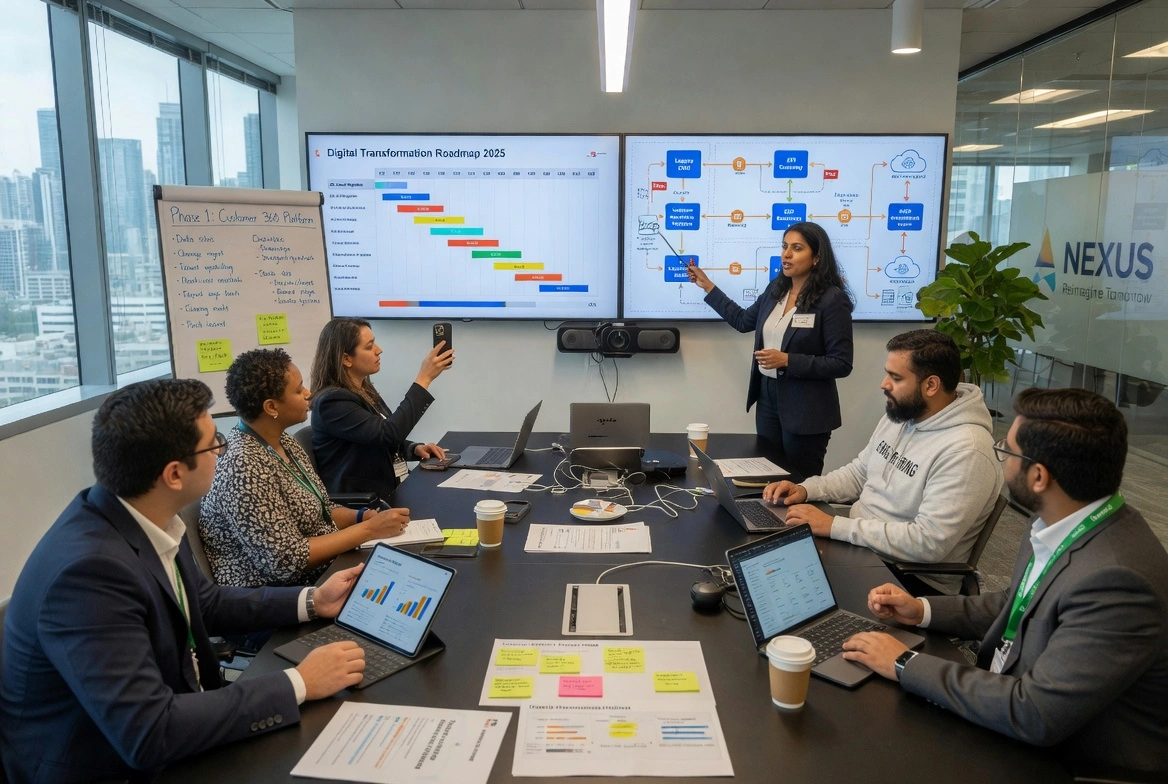
The Legacy Modernization Process: Step by Step
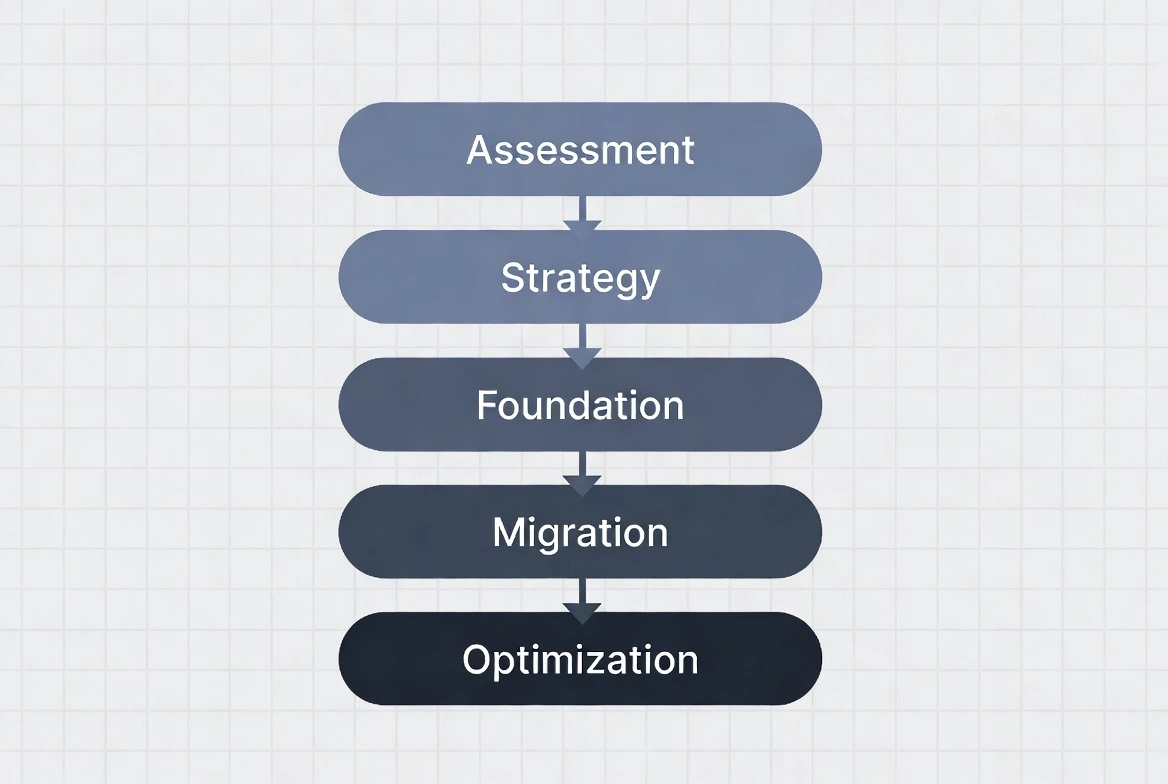
Phase 1: Assessment (4-8 weeks)
Inventory all legacy systems. Assess technical condition, business criticality, and modernization complexity. Identify dependencies and integration points. Document existing business logic.
Phase 2: Strategy (4-6 weeks)
Prioritize systems for modernization. Select appropriate approach for each. Define target architecture. Build business case and roadmap. Secure executive sponsorship and budget.
Phase 3: Foundation (8-12 weeks)
Establish target infrastructure. Set up development and testing environments. Create integration framework. Build data migration tools. Establish governance and quality processes.
Phase 4: Incremental Migration (6-24 months)
Migrate functionality in phases. Maintain parallel operations during transition. Continuous testing and validation. User training and change management. Iterative refinement based on feedback.
Phase 5: Optimization (Ongoing)
Decommission legacy components. Optimize new environment. Capture lessons learned. Plan next modernization initiatives. Establish continuous improvement processes.
Common Modernization Mistakes (and How to Avoid Them)
1. Big Bang Approaches
The Mistake: Attempting to replace an entire legacy system at once.
The Reality: Large modernization projects have a high failure rate. Requirements change, budgets run out, and stakeholders lose patience.
The Solution: Incremental modernization. Deliver value in phases. Keep each phase small enough to succeed.
2. Underestimating Data Migration
The Mistake: Treating data migration as a simple copy operation.
The Reality: Legacy data is often messy, undocumented, and full of edge cases. Data migration typically consumes 40-60% of project effort.
The Solution: Start data analysis early. Plan multiple migration iterations. Build extensive validation.
3. Ignoring Business Logic Documentation
The Mistake: Assuming you can reverse-engineer business rules from code.
The Reality: Critical business logic is often embedded in code comments, tribal knowledge, or not documented at all.
The Solution: Interview subject matter experts before they leave. Document business rules separately from technical implementation.
4. Skipping Testing
The Mistake: Inadequate testing because “we're just moving to new infrastructure.”
The Reality: Even lift-and-shift migrations can introduce subtle bugs that affect business operations.
The Solution: Invest in comprehensive automated testing. Run parallel operations during transition. Plan for extended validation periods.
5. Neglecting Change Management
The Mistake: Focusing only on technical migration while ignoring user adoption.
The Reality: Users who are comfortable with legacy systems often resist change, even to objectively better systems.
The Solution: Involve users early. Provide training. Address concerns directly. Celebrate wins.
The “Second System Effect”: Beware of over-engineering the replacement system. The temptation to fix everything that was wrong with the legacy system often leads to scope creep, delays, and failure. Start with functional parity, then enhance incrementally.
Measuring Modernization Success
Technical Metrics
- Deployment frequency and lead time
- System uptime and performance
- Mean time to recovery (MTTR)
- Security vulnerability count
- Code maintainability scores
Business Metrics
- Total cost of ownership reduction
- Time to market for new features
- Customer satisfaction impact
- Employee productivity and satisfaction
- Compliance and audit results
Success Criteria Checklist
- All critical business functions operational in new environment
- Performance meets or exceeds legacy system benchmarks
- Users trained and actively using new system
- Legacy system successfully decommissioned
- Maintenance costs reduced by target percentage
- Integration with modern systems functioning correctly
- Security and compliance requirements met
- Documentation and knowledge transfer complete
Key Takeaways for Successful Modernization
- Assess honestly: Know your system's true condition and the risks of delay
- Choose the right approach: Not every system needs a full rebuild
- Start small: Incremental modernization beats big bang every time
- Document everything: Business logic must be captured before migration
- Plan for data: Data migration is harder and slower than you think
- Manage change: Technical success without user adoption is still failure
- Measure outcomes: Track both technical and business metrics
Partnering with an Experienced Modernization Team
Tizbi has been helping enterprises modernize legacy systems for over 28 years. We've successfully migrated COBOL, mainframe, and other legacy platforms to modern, maintainable architectures — without disrupting business operations. Explore our legacy modernization services.
Frequently Asked Questions
How long does a legacy system modernization project typically take?
Timelines vary by approach and scope. A phased modernization typically runs 4-8 weeks for assessment, 4-6 weeks for strategy, and 8-12 weeks to build the target foundation, with incremental migration spanning 6-24 months. Full COBOL rewrites can take 2-5 years, while API-enablement approaches can show results in 3-6 months.
What's the difference between rehosting and refactoring?
Rehosting ("lift and shift") moves your existing application to new infrastructure without touching the code - fast, but it carries the legacy code's limitations forward. Refactoring restructures and optimizes the code itself while preserving external behavior, addressing technical debt directly. Refactoring costs more upfront but pays off longer term.
Is it possible to modernize a legacy system without disrupting daily operations?
Yes - that's the goal of incremental migration instead of a "big bang" cutover. Phasing functionality transfer over months keeps the business running while modernization happens in the background. Our modernization engagements are built around this non-disruptive approach specifically to avoid downtime risk.
How much does legacy system modernization cost?
Cost depends heavily on approach and system complexity - encapsulation and rehosting cost far less than a full rebuild. Since data migration alone typically consumes 40-60% of project effort, that's often the biggest cost driver regardless of approach. A proper business case weighs this against the 70% of IT budgets already spent maintaining legacy systems.
Can AI actually help modernize COBOL and mainframe systems?
Yes, within limits. AI tools can analyze COBOL code, document undocumented business logic, and assist with translation to modern languages - genuinely useful given how much institutional knowledge lives only in the code itself. It doesn't replace the strategy and testing work; it accelerates the discovery and translation phases.
What's the biggest risk in a modernization project?
Underestimating data migration and skipping business logic documentation are the two most common failure points. Legacy systems often encode decades of undocumented rules that only surface once something breaks post-migration. Thorough testing and documentation before migration, not after, is what separates successful projects from expensive failures.
Do we need to replace our legacy system entirely, or can we modernize parts of it?
Full replacement is only one of six approaches, and usually not the first choice. Encapsulation, rehosting, and refactoring all let you modernize incrementally without a ground-up rebuild. Most successful strategies mix approaches by system component, reserving full replacement for the parts that no longer serve the business at all.